Free
$0/forever
- Up to 50 store orders / month
- Cart drawer with upsells
- Free shipping bar
- Upsell analytics
Cart drawer and upsells for Shopify
Upsellora replaces your theme’s cart with a slide-out drawer that recommends products, shows how close the cart is to free shipping, and tells you exactly how much each upsell earned.
Free for up to 50 orders a month. 14-day free trial on paid plans.
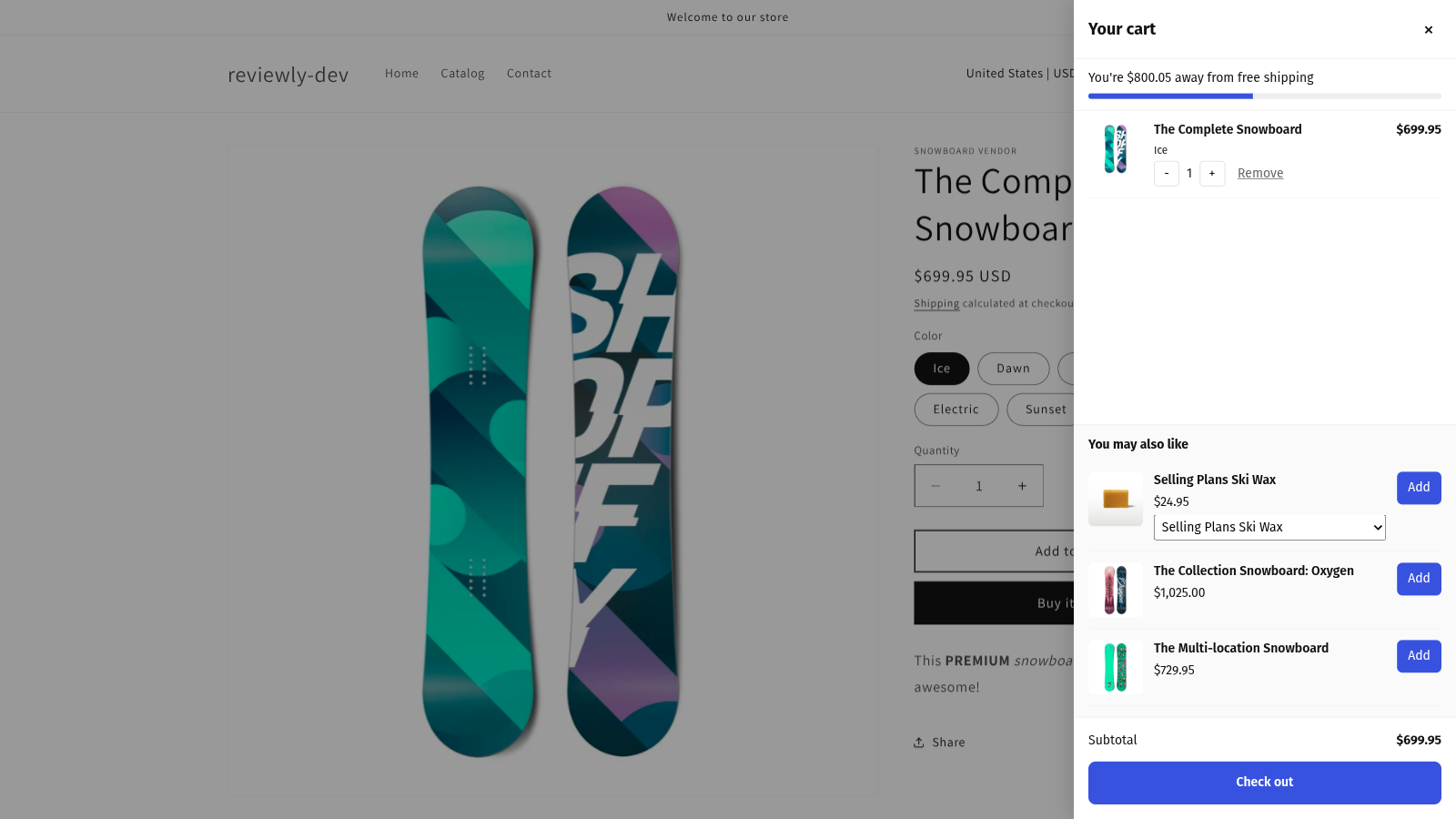
How it works
Know what it earns
Every product added from the drawer is tagged. When the order is paid, Upsellora adds up those lines and shows the upsell revenue, the acceptance rate and the average order value with and without an upsell.
Last 30 days
Example from our test store.
Pricing
Plans only count paid store orders per month. Billed through Shopify, cancel anytime.
$0/forever
$9.99/month
$29.99/month
FAQ
Any Online Store 2.0 theme, including Dawn and Horizon. You switch on the Upsellora cart app embed in the theme editor; no code edits. The drawer replaces your theme's cart, and your /cart page keeps working.
Shopify's own product recommendations for the item just added, from day one. Create an offer when you want to choose which products to suggest for which cart.
Products added from the drawer carry a hidden tag. When the order is paid, we add up those lines, net of discounts, and show the revenue per offer and the average order value with and without an upsell.
Paid store orders per calendar month. Every plan has every feature. If you go over, the drawer keeps working and we ask you to upgrade.
The storefront script is about 5 KB gzipped, loads with defer, and builds the drawer only when a shopper opens it. Settings travel inside the page, so the cart never waits on our servers.
Billing stops right away and your theme's own cart comes back. Shopify asks us to delete your data 48 hours after uninstalling, and we do.
Free for up to 50 orders a month. Set up in about five minutes.
Install free on Shopify